Home › How to Use Name Cauldron
How to Use Name Cauldron
Name Cauldron Team · Updated
This guide shows how to pick a generator on Name Cauldron, stir names and copy or save them. Start on the fantasy name generator for the seven styles, or open a single generator. Found a name that looks wrong or a button that does not work? Use the contact page.
Author: Namecauldron · Updated: November 13, 2026 · Describes features that are live on the site.
Fantasy name generator · Elf names · Dragon names · Usernames · All generators
Pick a generator and a style
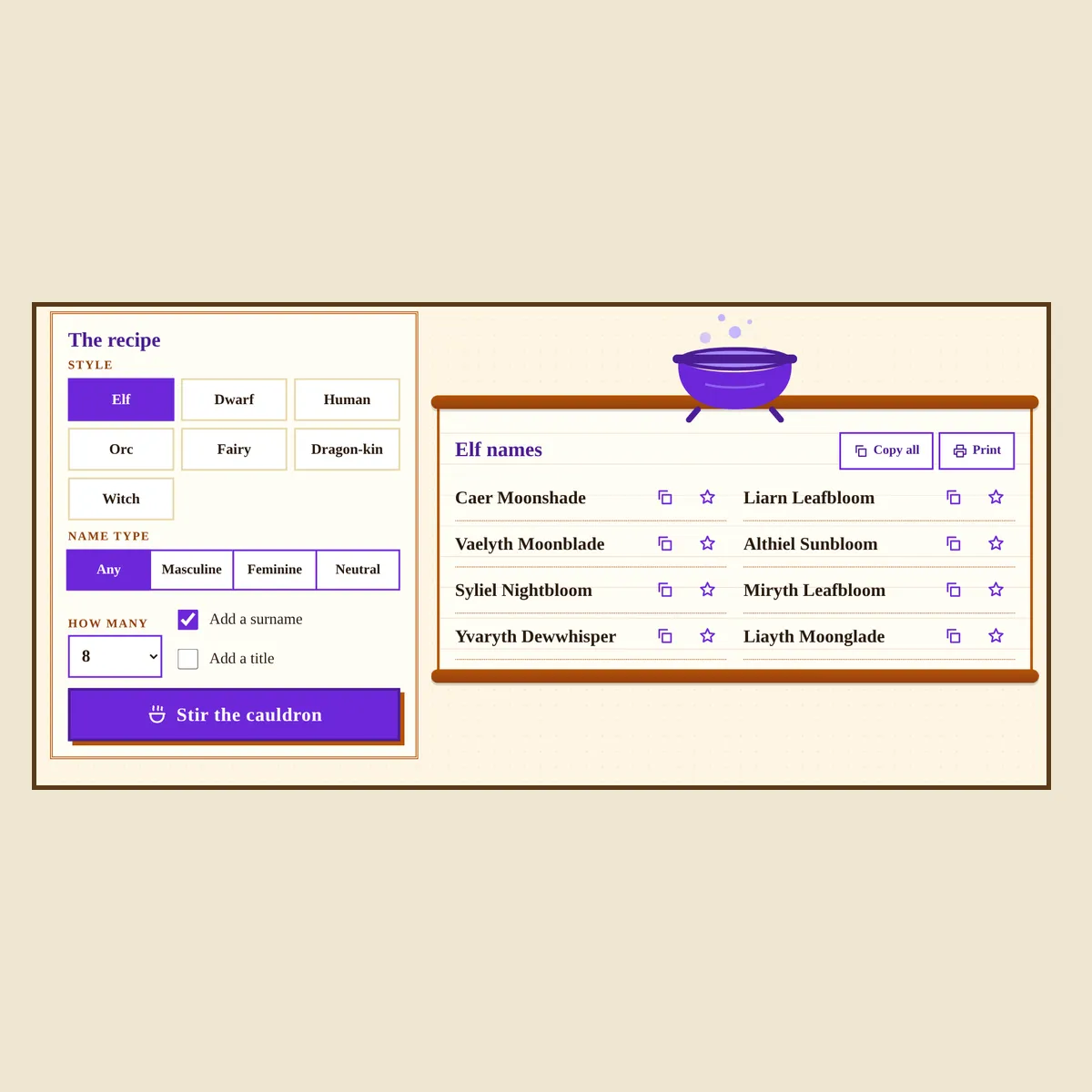
Open the home page for the seven fantasy styles, or a single generator such as elves or dragons, then choose a style. The home page offers elf, dwarf, human, orc, fairy, dragon-kin and witch, plus a name type, how many names to make (5, 8, 12 or 20) and options to add a surname or a title.
Stir, copy and save
Press stir for a batch, tap copy on a name, or save it to the saved names list that stays in your browser. The table lists each action, its button and where the result goes.
| Action | Button | Where the result goes |
|---|---|---|
| Stir | Stir the cauldron | A new batch in the list of names |
| Copy one name | Copy icon next to the name, or a name in Ready-made names | The clipboard; the button shows Copied for a moment |
| Copy a batch | Copy all | The clipboard, one name per line |
| The browser print dialog | ||
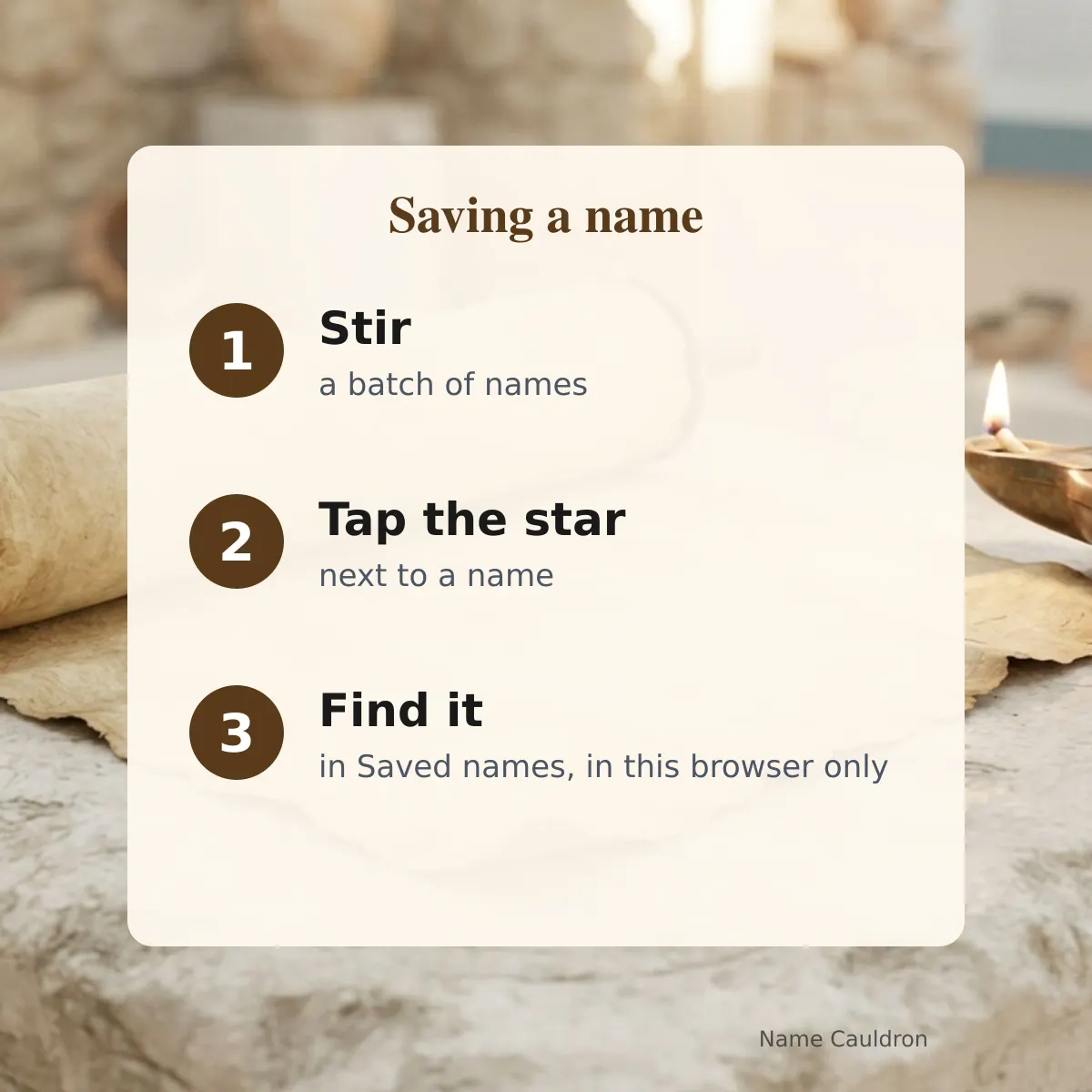
| Save | Star next to the name | The Saved names list on the page, in this browser only |
When a name will not paste
Some games block symbols or long names; pick a plain-letter name or a shorter style. Saved names live in this browser only; clearing site data removes them.
Did the cauldron brew well?
Tell us if the names worked for you or what the brew needs.
Thank you! Your note has been added to the brew.